
Your clouds,in one place.
Search, organize, preview, and move files across accounts without switching apps.
Free. Unlimited accounts. No card needed.
 Google Drive
 OneDrive
 Dropbox
 Yandex Disk
 MEGA
MEGA
Everything you need to manage your clouds.
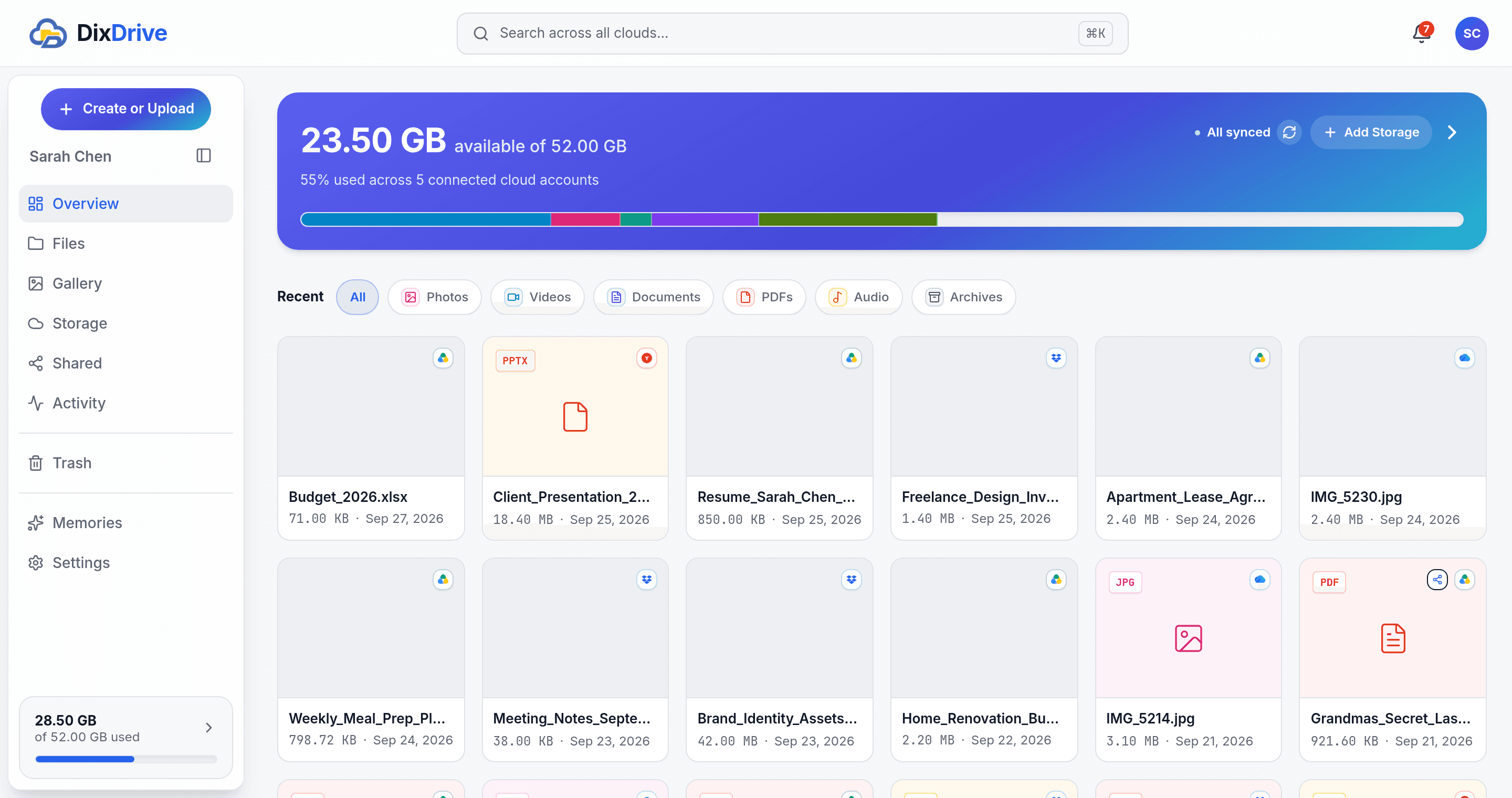
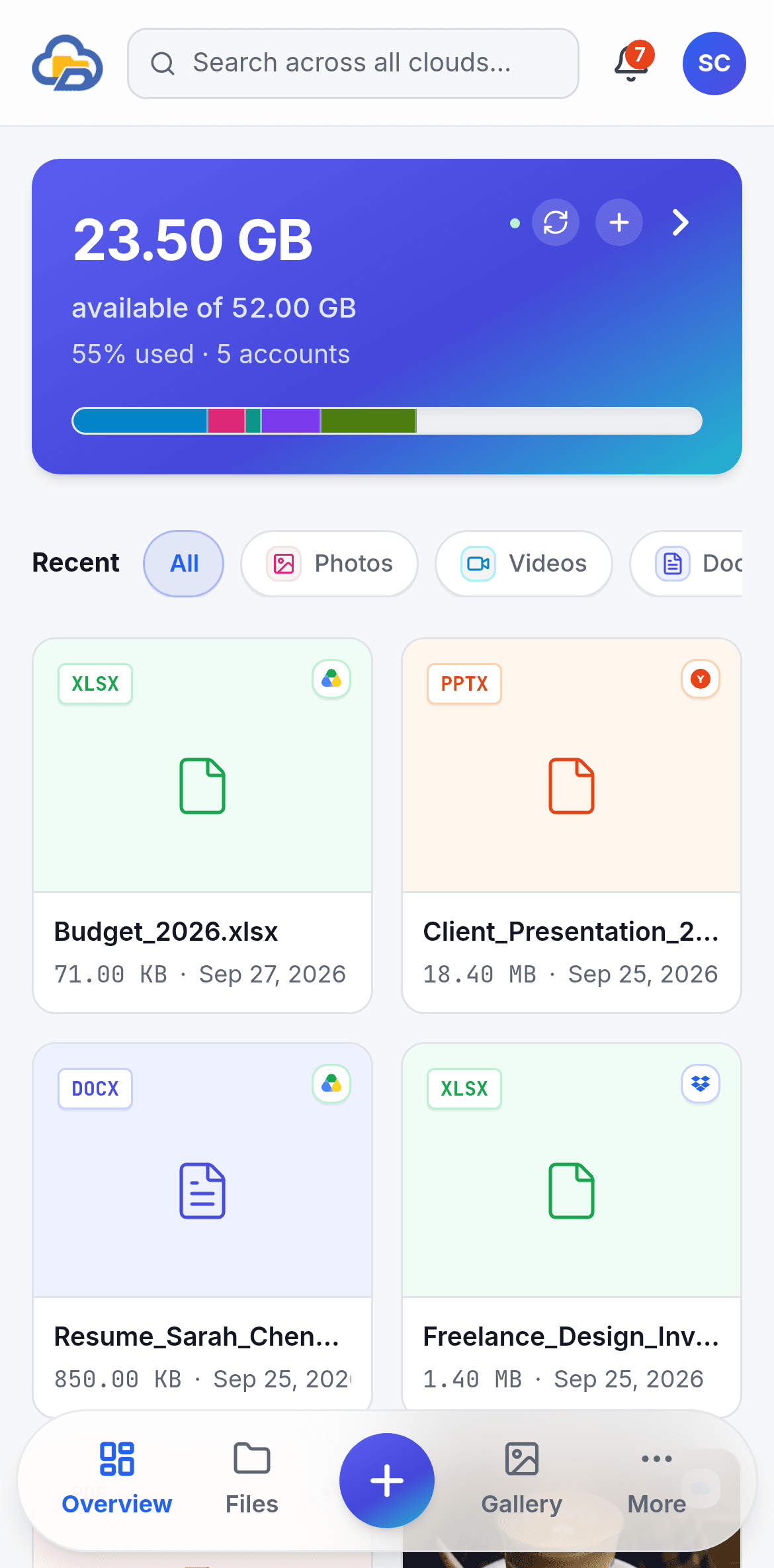
Your storage stays with your cloud providers. DixDrive gives you one place to manage it, on your computer or your phone.
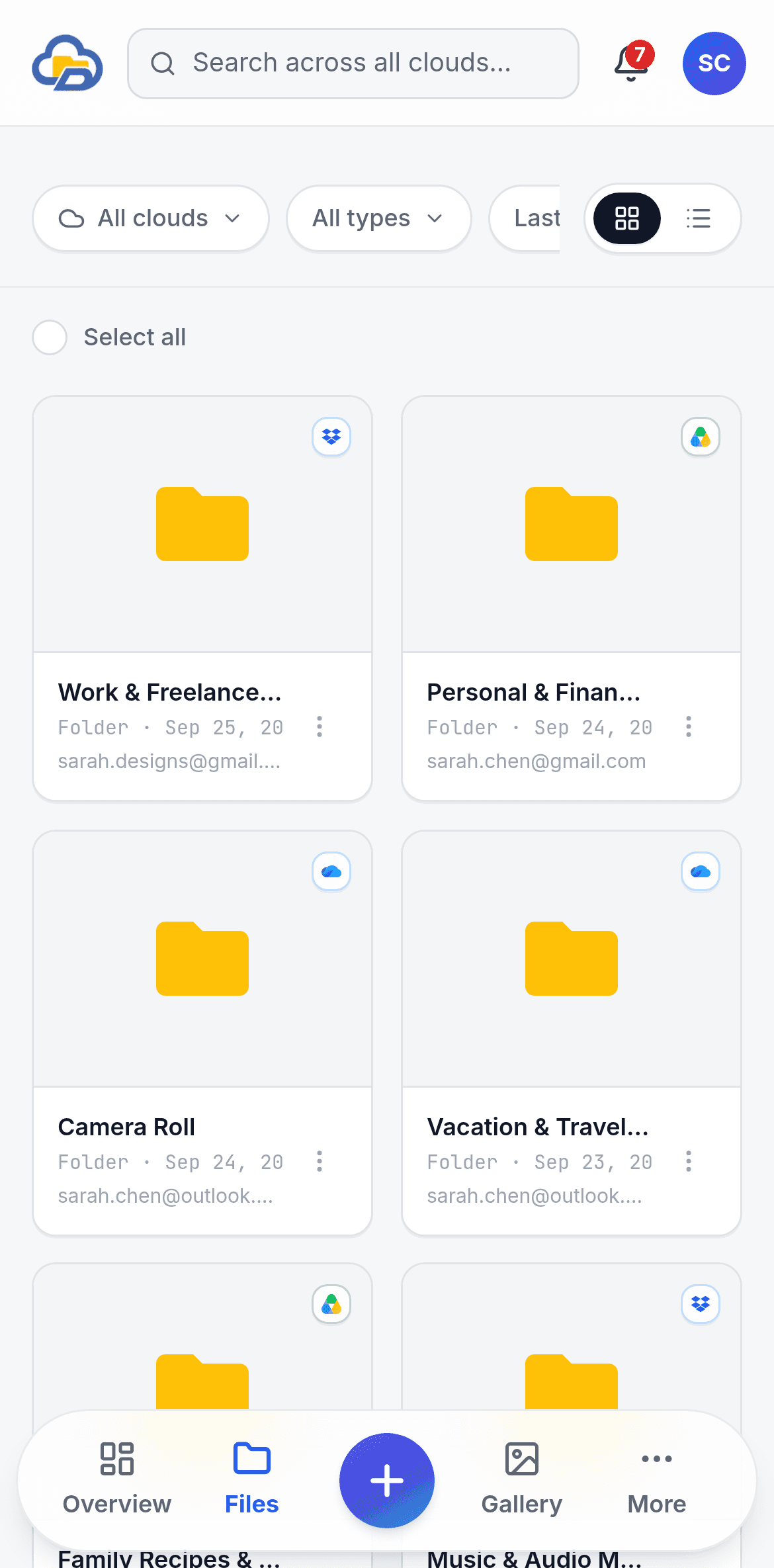
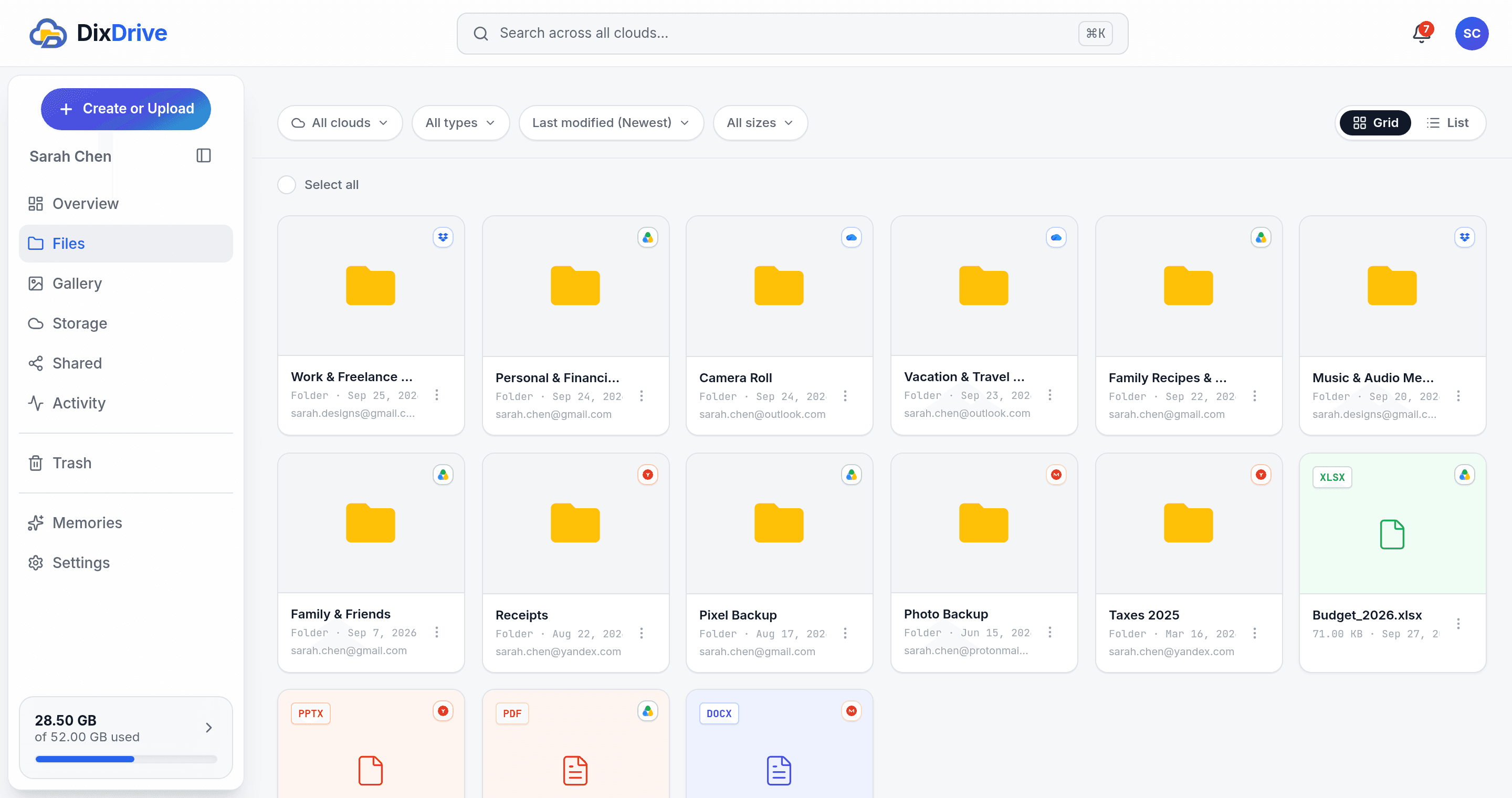
See every connected account's folders side by side in one file tree, each tagged with the cloud it lives in. Browse across providers without opening separate apps.
Drop in files or whole folders, or pick photos from your phone's camera roll, and DixDrive sends them to an account with room: by most free space, round robin, or your own priority order. Interrupted uploads pick up where they left off.
Search every connected account from one box. Results show which cloud each file is in, so you never have to remember where you saved it.
Photos, videos, music, and PDFs open in the browser, whichever cloud holds them. Rename, share, or download from the same screen.
The Gallery gathers the photos and videos from all your clouds and phone backups into one timeline, sorted by month, so the whole year is in one place.
Make a link for any file, whichever cloud it's in, and find every link you've made in one list. Revoke one whenever you like.
See what's using your storage across every cloud at once: photos, videos, documents, and more. No single provider can show you this, since each one only sees its own.
Deleted files from all your accounts land in one place, each tagged with the cloud it came from. Restore them, or empty it in one go.
Uploads, syncs, shares, and deletions across every account, in one feed, newest first.
Your clouds. Your control.
DixDrive stores the metadata needed to manage your connected accounts rather than permanently storing your file content. Where supported, files transfer directly between your device and the cloud provider.

Official sign-in where it exists
Most providers connect through their own sign-in screen, so DixDrive only receives a scoped access token, never your password. MEGA has no such screen, so DixDrive keeps that login encrypted (AES-256) to stay connected.
No persistent file storage
DixDrive stores the metadata it needs to organize your files (names, sizes, folders), never a copy of the file content itself. Where a provider supports it, bytes stream directly between your device and that provider.
Your accounts remain yours
Disconnect a connected provider whenever you choose, from Settings, no support request needed. Your files stay exactly where they were. DixDrive only forgets them.
Questions, answered.
The short answers to what people ask before they connect a cloud.